Digital transformation isn’t just about migrating to cloud apps and automating workflows, sometimes, it begins with an unexpected but powerful tool: your printer.
Even in a push for a “paperless office,” printers remain deeply relevant. According to industry insights, many businesses still rely on print, and modern multifunction printers (MFPs) can actually supercharge digital transformation in several key ways.
1. Digitize Documents from the Source
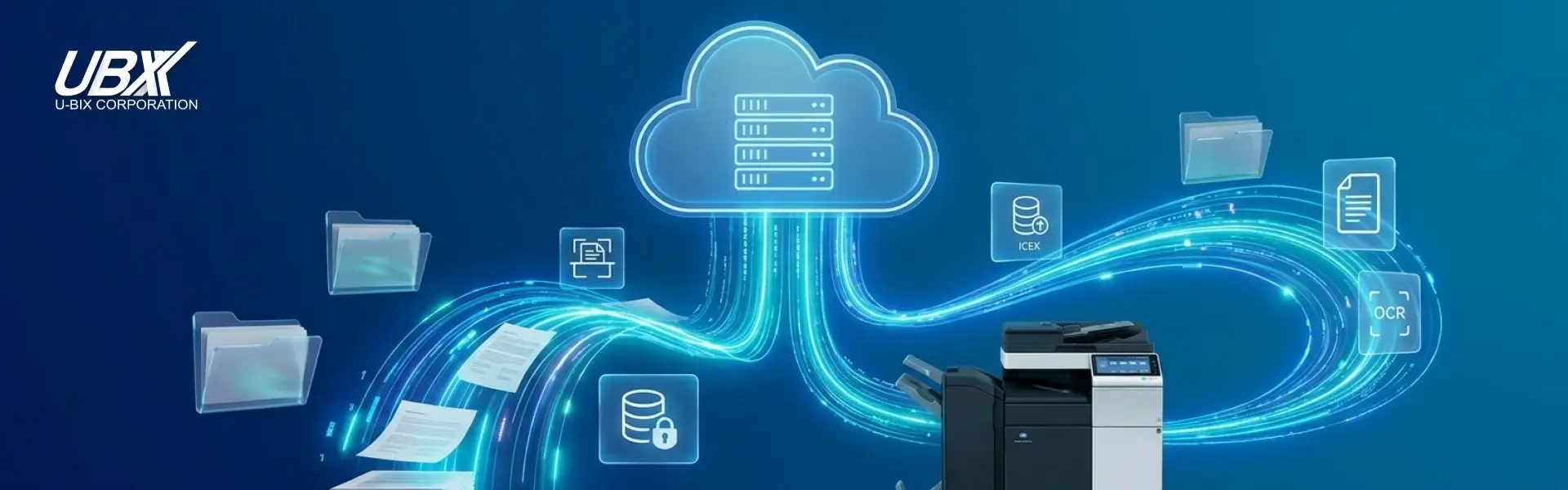
The first step to going digital is transforming paper documents into editable, searchable content. Today’s MFPs support OCR (Optical Character Recognition), allowing scanned files to become fully searchable. That means physical documents can be converted into digital assets that integrate seamlessly with document management systems.
Once-digitized, these files can be routed directly into your digital workflows, making them accessible in the cloud or corporate databases — no more manual sorting or filing.
2. Connect Your Printer to Digital Workflows
Modern MFPs connect directly to cloud services, email, databases, and intranets. For example, when staff scan a document (like a purchase order), an MFP can immediately send it to the right department, automatically triggering next steps in your business process.
These devices also support IoT capabilities, making them smarter and more adaptable to your network environment.
3. Use Printer Analytics to Understand Your Workflow
Your printer isn’t just a tool, it’s also a source of data. By analyzing how different departments use the MFP, you can uncover insights into which teams rely heavily on paper and where digital processes can be introduced or strengthened.
Evaluating print behaviors also helps you determine how ready your organization is for digital transformation and which areas could benefit from automated workflows or training.
4. Boost Security and Compliance
When documents are printed, copied, or scanned, there’s a risk of sensitive data being exposed. With modern MFPs, you can enforce security policies that limit copying or printing of confidential files and track document access.
This enables a more controlled, compliant environment where your printed output is fully integrated into your digital governance strategy.
5. Build a Realistic Transformation Roadmap
Digital transformation doesn’t have to be all or nothing. Your MFP can serve as a bridge, helping you move from paper to cloud, scanning to archiving, manual workflows to automated processes.
Once the digital workflows are in place, you can scale gradually, training teams, refining processes, and making sure the shift is sustainable.