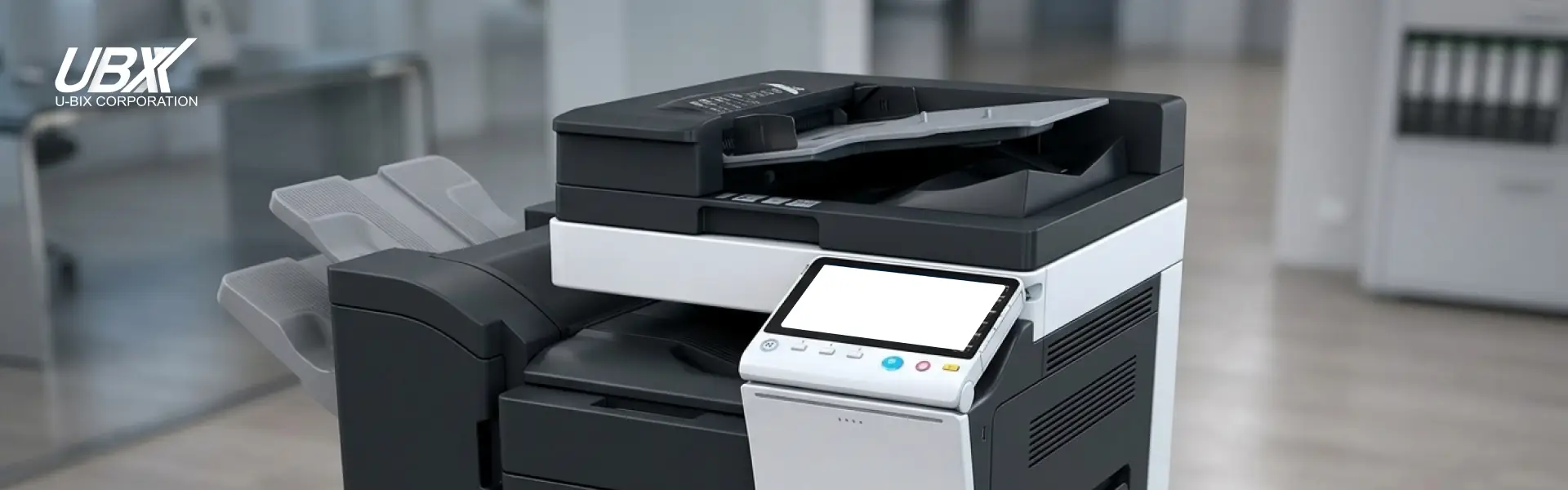
Office printers often play a bigger role than we realize. They keep your documents moving, your team productive, and your business running smoothly. That’s why taking care of your printer isn’t just about avoiding breakdowns—it’s about protecting your investment and keeping your operations stress-free.
And here’s the best part: if you’re using U-BIX printers, you already get next-level support.
Why Printer Maintenance Matters
A well-maintained printer produces crisp prints, avoids frustrating paper jams, and lasts longer. Maintenance doesn’t have to be complicated, just consistent.
Regular Cleaning and Care
Dust and debris naturally build up inside any printer. Giving your device a quick wipe-down, clearing dust from the paper tray, and keeping the scanning glass clean can prevent lines, smudges, and misfeeds. For deeper cleaning or technical adjustments, it’s best to rely on a trained technician. With support services from U-BIX, you can be confident your device is always in proper working condition.
Use Quality Supplies
Cheap toner and poor-quality paper may look like savings at first, but they’re the fastest way to shorten your printer’s lifespan. Always use high-quality consumables recommended for your device, especially for Konica Minolta multifunction printers. Quality supplies help avoid jams, streaks, and unnecessary wear.
Monitor and Replace Consumables Promptly
Low toner, worn drums, and old rollers can affect print quality and strain internal components. Keep an eye on alerts and replace consumables before they cause issues.
Keep Software and Firmware Updated
Just like your phone or laptop, printers get updates to fix bugs, improve performance, and enhance security. Updating firmware ensures your printer works efficiently and remains secure in your office network.
Conclusion: Longer Life, Better Performance
A little care goes a long way in keeping your office printer reliable. Regular cleaning, quality supplies, and timely updates all help, but partnering with a brand that supports you for life makes all the difference.
With the U-BIX FREE Lifetime Service Guarantee, you get a printer that grows with you and a partner committed to your long-term success.
If you’re ready to upgrade your office printing experience, explore our full lineup of Konica Minolta office printers, multifunction printers, production printers, and RISO digital duplicators—and enjoy a lifetime of worry-free service.