Paper is still a big part of office work, but too much of it often goes to waste. From unnecessary printing to piles of forgotten documents, paper waste doesn’t just hurt the environment—it also adds to costs and slows down daily workflows. The good news? With a few practical changes, businesses can cut down on waste while improving efficiency.
One of the first steps is to audit your current paper use. Many offices don’t realize how much is being printed until they start tracking it. A print audit helps uncover wasteful habits, like unnecessary single-page prints or documents left uncollected.
Next, go digital whenever possible. Instead of printing every memo, contract, or report, use electronic document management systems. Digital storage makes documents easier to search, share, and secure—while cutting down on paper piles on desks.
Another simple habit is printing smarter. That means defaulting to double-sided printing, reducing margins, and encouraging staff to preview documents before hitting “Print.” Small tweaks like these make a big difference over time.
Don’t forget the power of reusing and recycling. Offices can set up recycling bins in common areas and encourage employees to reuse single-sided sheets for notes or drafts. Creating a workplace culture that values sustainability keeps the effort consistent.
Finally, educating employees is key. A quick reminder about responsible printing or a tip about digital alternatives can go a long way. People are more likely to embrace changes when they understand the impact.
At U-BIX, we help businesses put these strategies into action through smart solutions like document management software, print audits, and secure digital systems. These tools not only reduce paper waste but also boost productivity and cut costs.
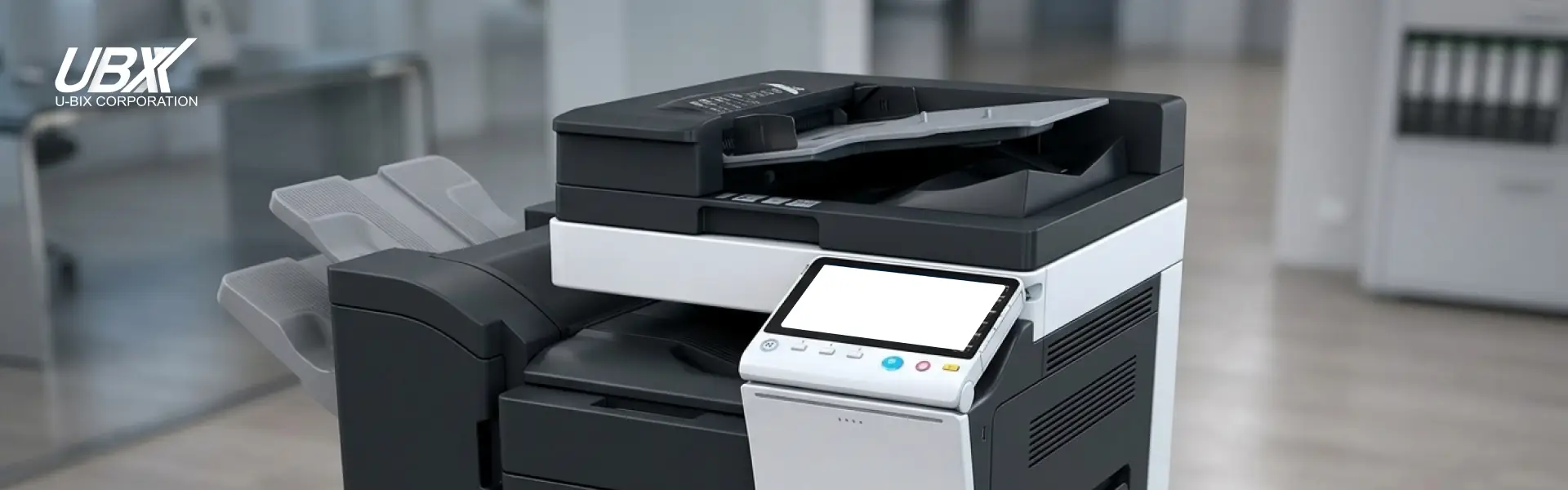
Ready to make your office smarter and greener? U-BIX can guide you through practical solutions tailored to your business needs. Whether it’s upgrading to efficient Konica Minolta multifunction printers, identifying waste through a U-BIX Print Audit, or transforming your workflow with DocuVu Document Management, we provide smart, practical solutions to reduce paper waste and boost workplace productivity.